model didn’t load
Macintosh Mini
from $29.00
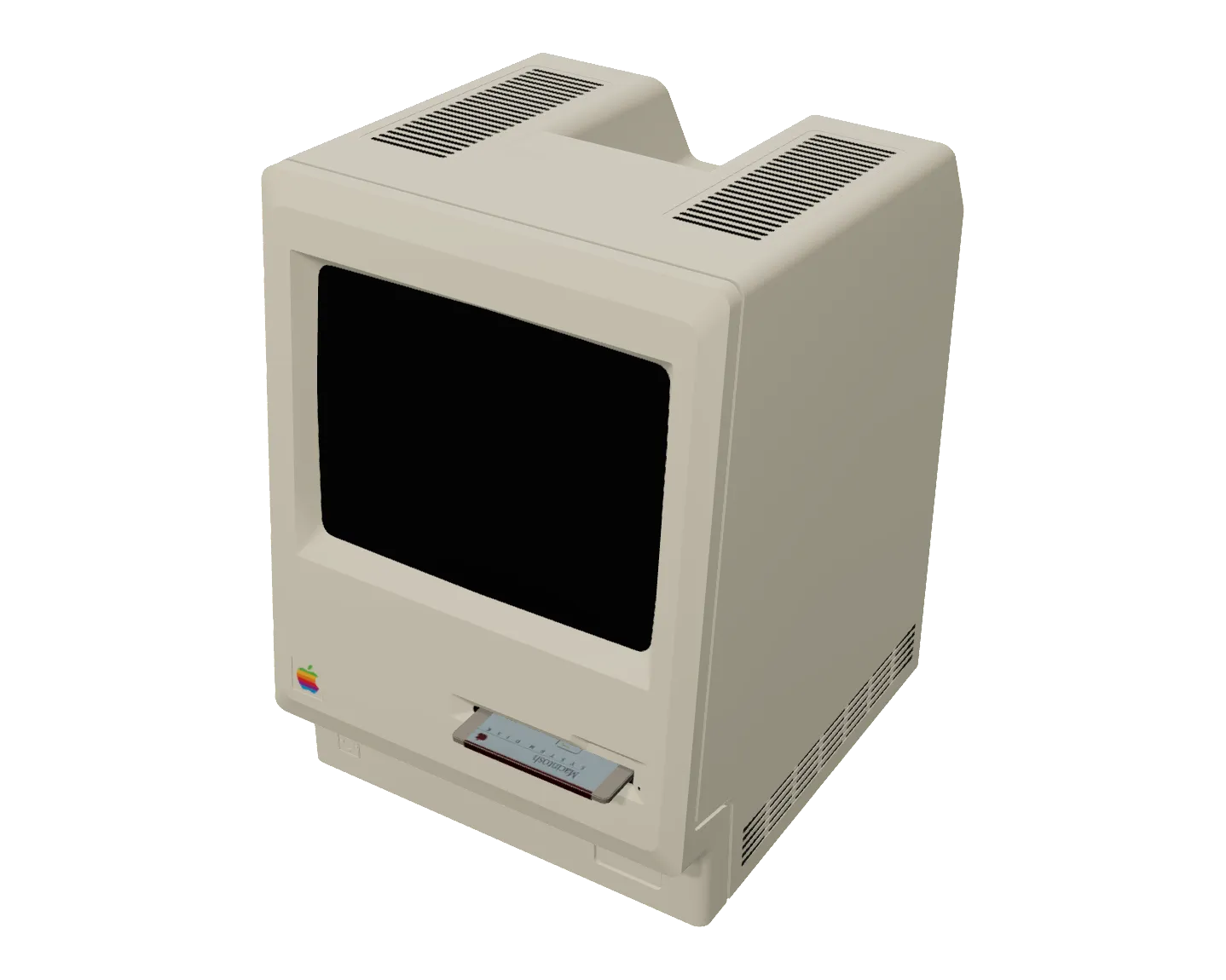
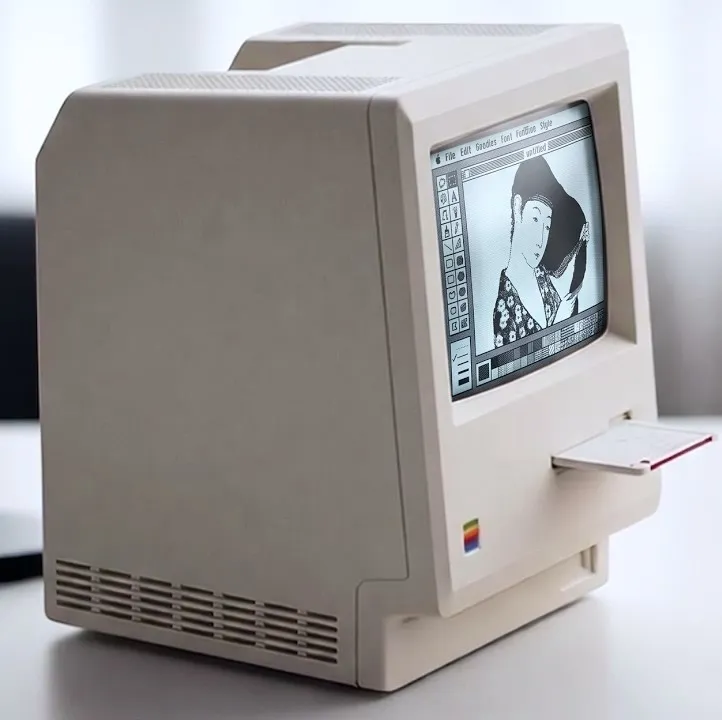
Turn a Maclock alarm clock into a fun and functional mini compact Mac, running real Mac OS, powered by a Raspberry Pi.
Add-ons
Total
Fully assembled
$349.00
* banana not included

Macintosh Mini
Fully assembled
$349.00
Description
The Maclock is a novelty desk clock shaped like the original 1984 Macintosh. This kit turns it from a clock into the real thing: a tiny working compact Mac that boots classic Mac OS off a Raspberry Pi hidden inside the case.
My custom PCB makes wiring into the onboard power, battery, and power switch easy and solderless. It also adds brightness control, sound, and two buttons you can program to do pretty much anything. By default, the left button restarts Mac OS, and the right one gracefully shuts down the Raspberry Pi.
My install script is a robust and easy-to-use installer that turns your fresh install of Pi OS into a dedicated Mac OS emulation machine with just a few clicks. Running the same script will also install any future updates — this project is constantly getting improvements from a dedicated community of Macintosh Mini enjoyers.
Macintosh Mini’s hardware design and software are both free and open-source. Buying from Wells Workshop supports the original creator (me!) and continued development of this and other projects.
Configurations
- DIY kit, pre-soldered — the kit with the trickier soldering already done for you. Finish the last few connections, flash your micro SD card, and close it up.
- DIY kit — the board, all the components, and the assembly guide. Not recommended for novice builders or anyone without a benchtop microscope. These components are tiny! It’s definitely doable though.
- Fully assembled — the whole Mac. A Maclock, a Raspberry Pi Zero 2 W, the 2.8” display, the board, the speaker, the bezel, and a 32 GB SD card. It boots to Pi OS with Basilisk II set up. Just upload your own Mac ROM and disk image.
Add-ons
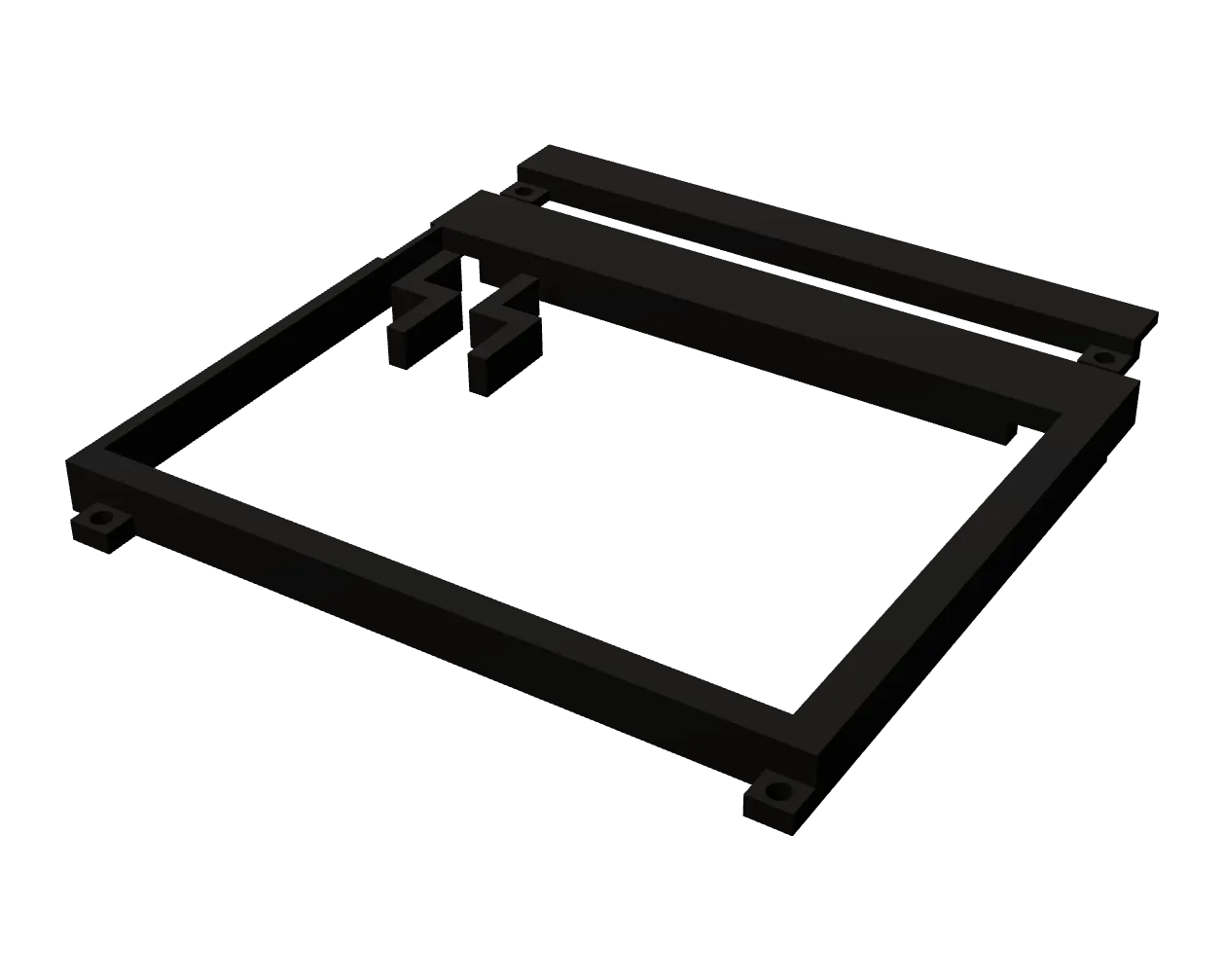
- 3D-printed screen bezel - to securely mount the LCD screen in the frame. Download the printable STL here, or you can buy one from me if you don’t have a 3D printer.
- Jumper wires - to connect the Macintosh Mini PCB to your Raspberry Pi
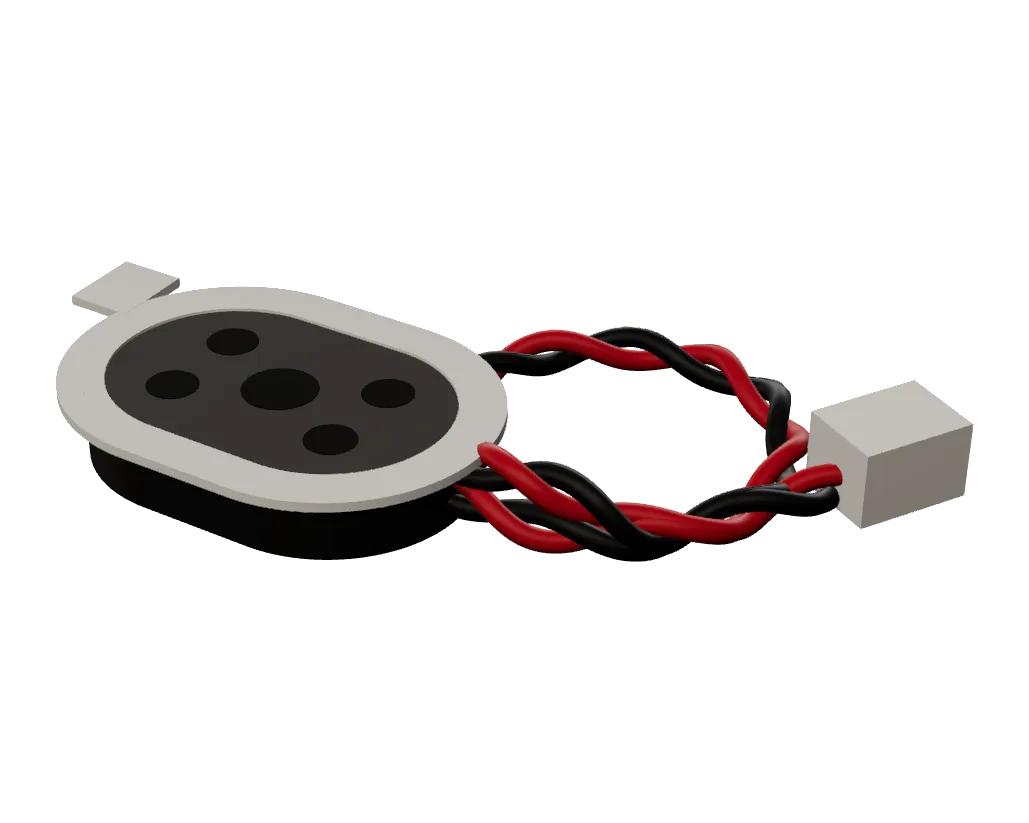
- Speaker - if you want onboard audio and the iconic boot chime. Not the best audio quality, but period appropriate!
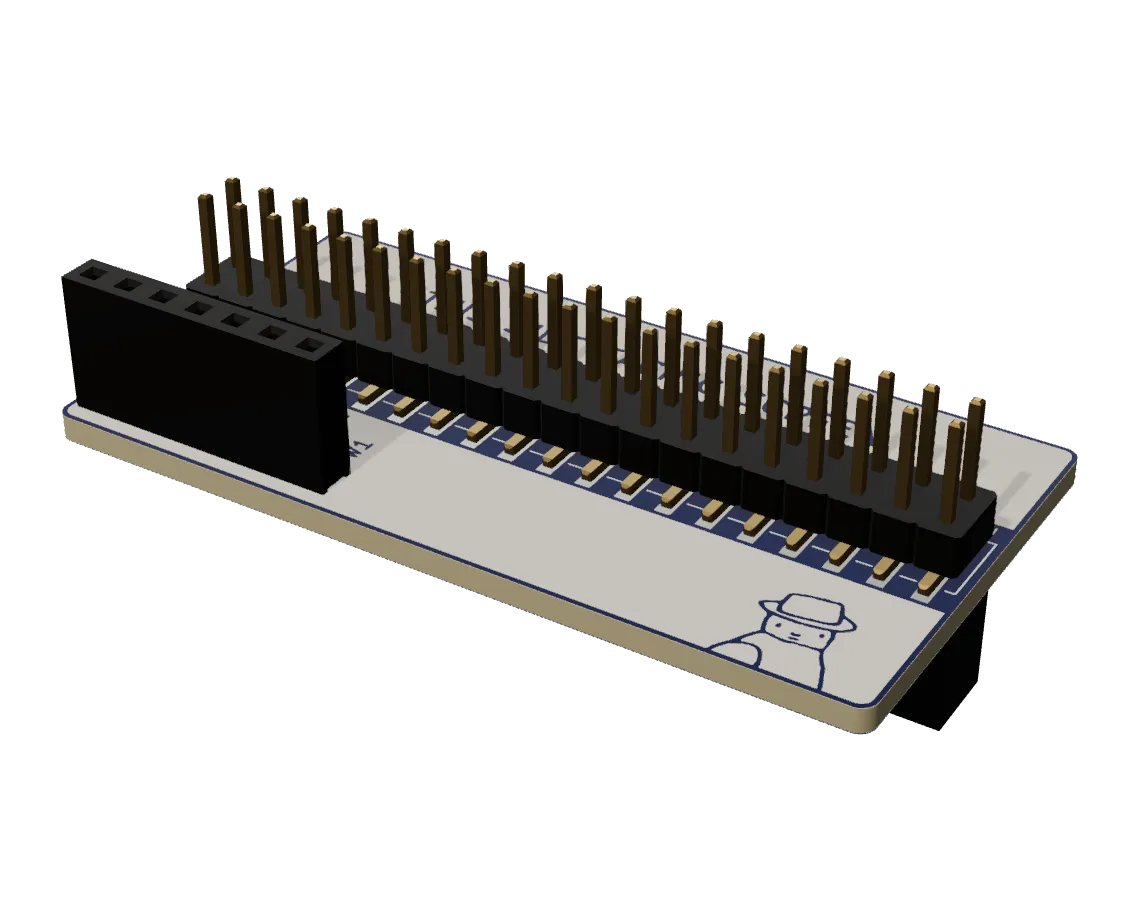
- GPIO interposer - a small assembled board that plugs onto the Pi’s 40-pin header, with the display plugged onto it in turn. It keeps the five GPIOs the Macintosh Mini PCB uses (the dial, the two buttons and audio) away from the display, which otherwise fights them, and brings them out with 5V and ground on a 1×7 female socket on the screen side, in the same order as the PCB’s header, which it plugs straight onto. No cable, and no pins to cut, bend or desolder on the Pi. It adds about 12.5 mm between the Pi and the display. The KiCad files are here.
- Raspberry Pi Zero 2 W — the brains of the build. You can also buy from Amazon (the official resellers cap it at one per order right now).
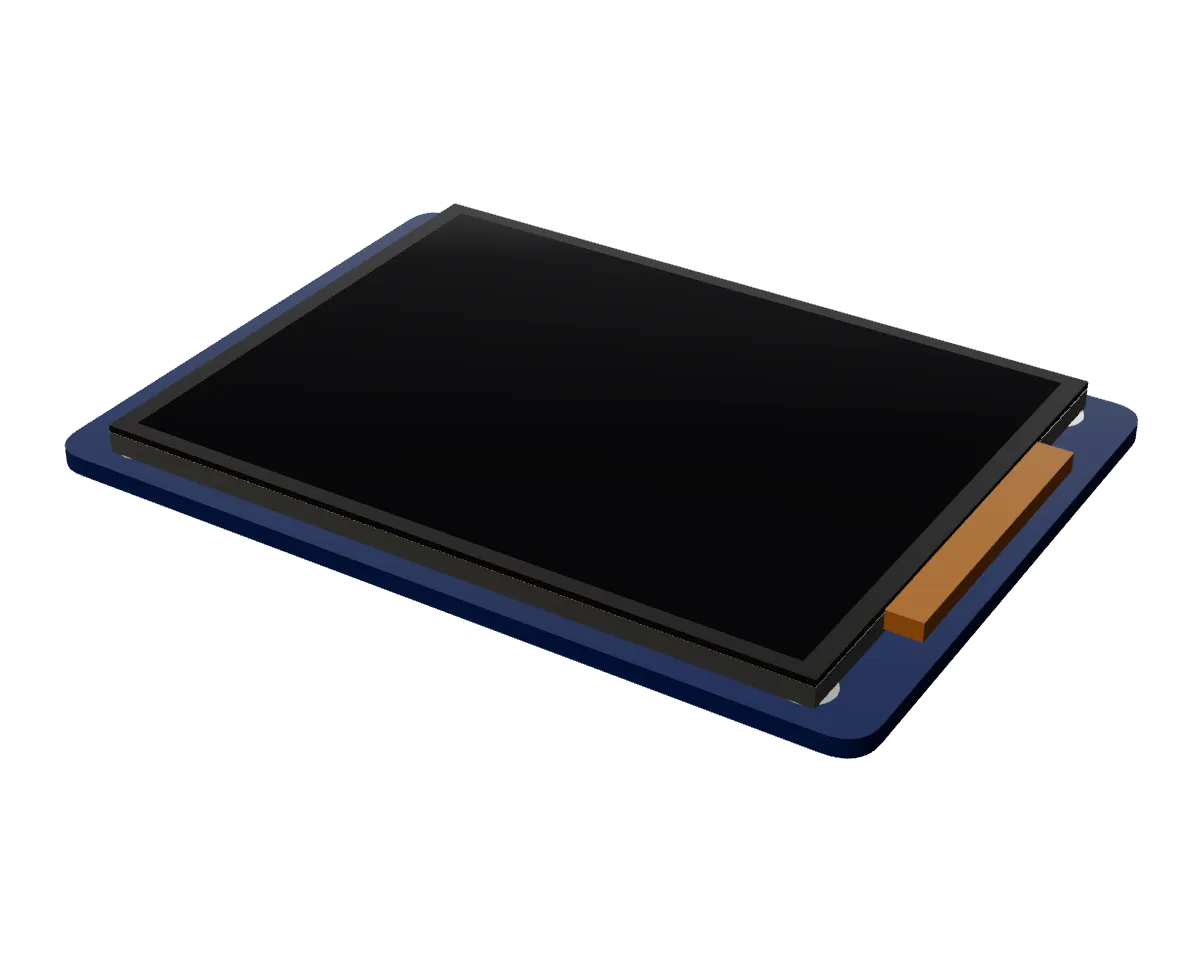
- Waveshare 2.8” display — You can also buy from Amazon.
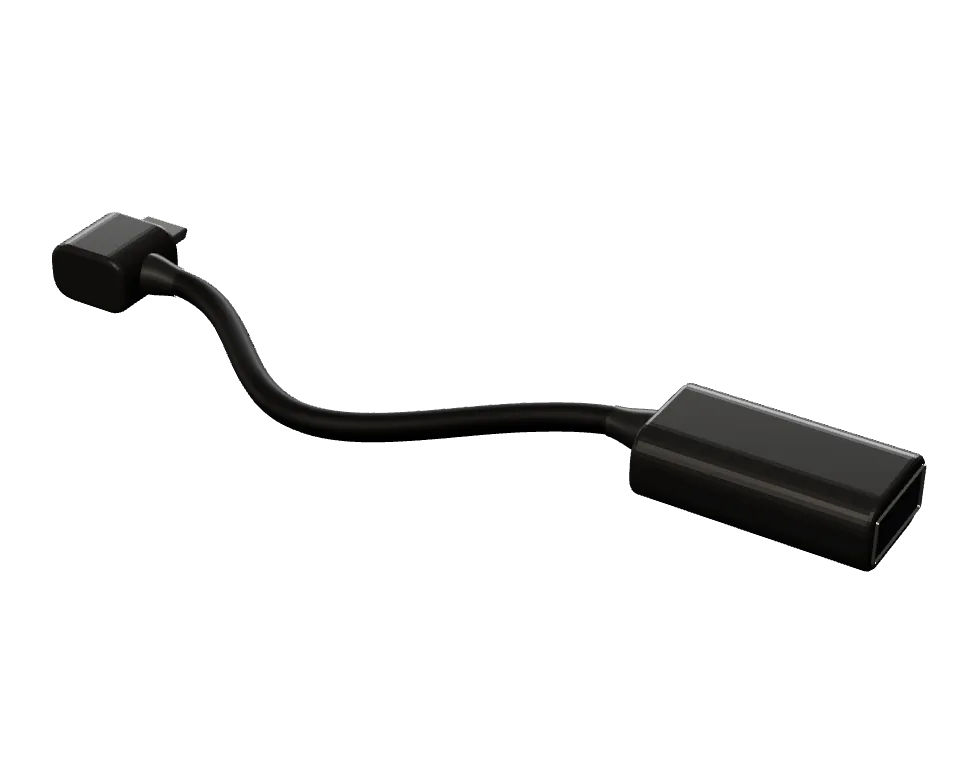
- MicroUSB to USB-A cable - If you want to add a USB port to the back of your Mac for a mouse, keyboard, or whatever. (Recommended)
- Maclock — The outer shell. You can also buy from Amazon.
- 32 GB microSD card - To install Pi OS. 16 GB can work too.
Requirements
- 2.4GHz Wi-Fi (if you want your Mac OS install to be able to access your network)
- A legally-obtained™︎ Mac IIci / Quadra ROM such as
064DC91D - A disk image with System 7.0 - 8.5 (or Mac OS 8.1 and later, with SheepShaver)
- A computer to flash the SD card and FTP over the ROM and disk image
Hardware and software are licensed under Creative Commons Attribution-NonCommercial-ShareAlike 4.0
Note: while 3D renders are meticulously rendered to give you a realistic sense of what each product looks like, they're not 100% perfect. Some variation or inconsistencies may exist that have little to no impact on aesthetics or functionality, unless otherwise noted. If you have questions or concerns, please ask before purchasing. Thank you!
Specifications
Physical
- Dimensions
- 80 × 115 × 99 mm
- Dimensions
- 71 × 14 × 28 mm
- Dimensions
- 71 × 7 × 48 mm
Board
- Layers
- 2
- Thickness
- 1.6 mm FR4
- Bare PCB size
- 70.5 × 26.5 mm
- Finish
- HASL, lead-free
Key components
- Audio amplifier
- PAM8302A, 2.5 W class-D mono
- Rotary encoder
- HYCW03-2.8D-5P-S, 12 pulse/12 detent
- Buttons
- 2× TSB001A3518A tactile
- Computer
- Raspberry Pi Zero 2 W
- Display
- Waveshare 2.8" IPS LCD, DPI interface
- Speaker
- 8 Ohm, 1 W, 28–40 mm, JST PH 2.0 mm plug
Power
- Input
- the Maclock's own battery and charging board, through its 4-wire power plug: about 4 V
- Regulation
- none: the Pi runs straight from the clock's battery, at about 4 V, even with the charge cable plugged in
Connectivity
- Wireless
- Wi-Fi and Bluetooth (Raspberry Pi Zero 2 W)
Software & compatibility
- Mac OS
- System 7.0–8.5 (Basilisk II, 68k) or Mac OS 8.1 and later (SheepShaver, PowerPC)
- ROM
- 512 KB or 1 MB 68k ROM, Mac IIci / Quadra (Basilisk II); 4 MB PowerPC ROM (SheepShaver)
In the box
- Includes
- Maclock, Raspberry Pi Zero 2 W, 2.8" display, PCB, speaker, bezel, 32 GB SD card
- Includes
- pre-soldered PCB
- Includes
- PCB, all components, assembly guide
Instructions
The build guide walks through the whole build, from opening the case to the first boot. The hardware source and software are in the project's repository.
Software & updates
Firmware and software updates are published as releases in the project's repository.
Releases on GitHubAdd-ons